PubFile app icon

In App Review · Mac App Store · free to try

Your .pub files, on a Mac.

Open Microsoft Publisher documents without Publisher. Save them as PDF, or as files you can keep editing in Affinity or InDesign. Your originals are never changed.

Not out yet. What to do with your files meanwhile, or get one email when it is approved.

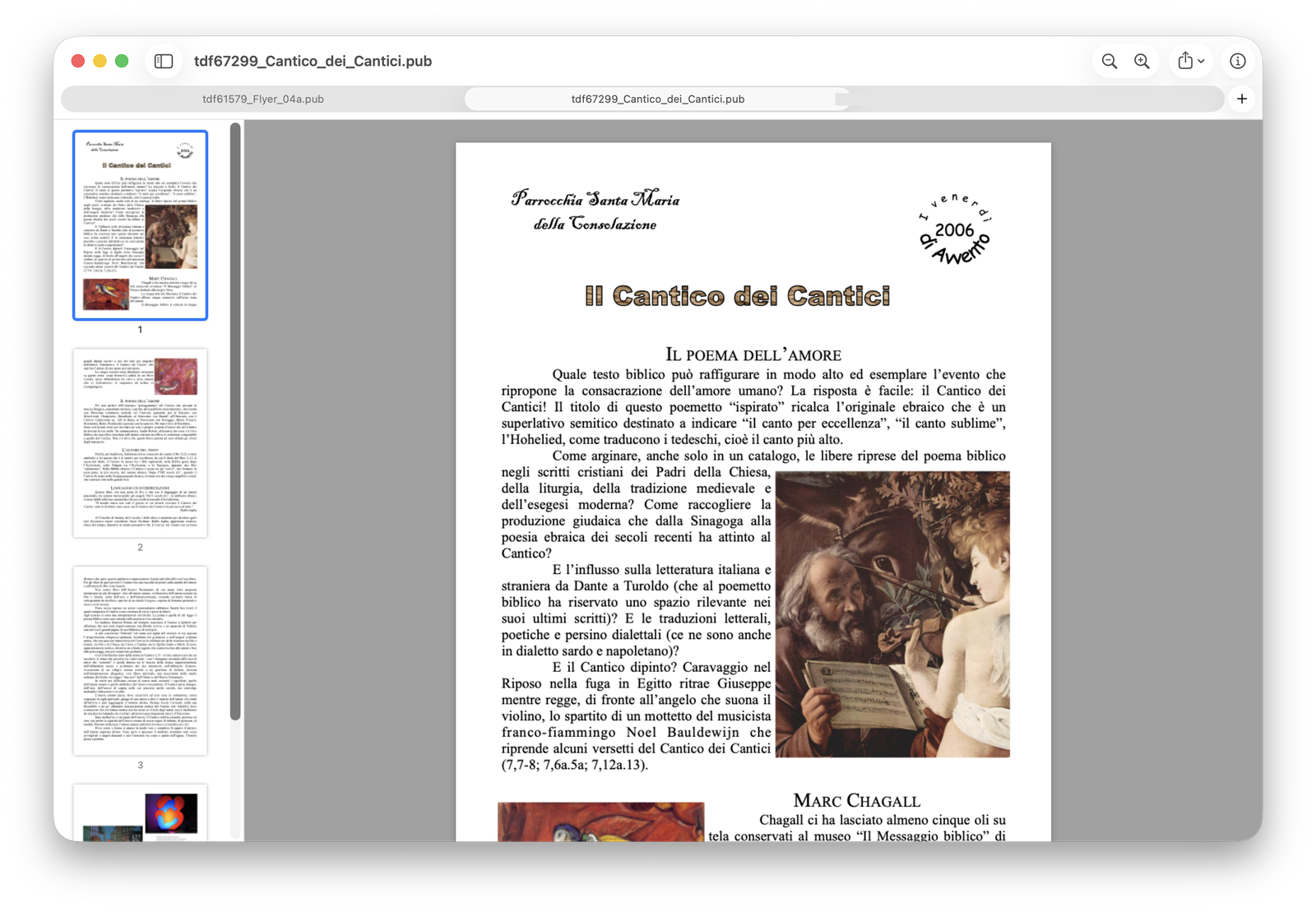
PubFile window: page thumbnails on the left, page 1 of a four-page parish newsletter rendered on the right, two .pub files open in tabs
A four-page parish booklet from 2006 (Publisher 2003) open in PubFile 1.0.

Publisher leaves Microsoft 365 on 1 October 2026.

Microsoft's own advice is to convert your files before then. If you have a folder of .pub files, a Mac, and no Publisher, this is the app for that.

The dates and what they mean

Built for the part everything else gets wrong.

Stories stay in order across pages

Newsletters use linked text boxes: one story runs from page 1 into page 3. The open-source parser inside LibreOffice and PubHarbor has never implemented that link, so it pastes the whole story on every page and leaves the last one blank; that bug has been open since 2013, and PUB Reader's reviews describe the same symptom. PubFile follows the links, so page 2 starts where page 1 ended.

See it on the file from the bug report

Files you can keep editing

PubFile writes IDML, the exchange format that Affinity (free), Affinity Publisher 2 and Adobe InDesign open. Text stays text, boxes stay boxes, pictures come along in a folder.

Nothing leaves your Mac

No upload, no account, works offline. Parish directories and class lists stay where they are. Originals are read, never rewritten.

A report that tells you what to check

For every file: which fonts were substituted, how much of each story was placed on each page and what did not fit, and which objects could not be converted. It says what broke instead of reporting zero warnings on a blank page.


In the app.

Six screens from the Mac App Store listing. Swipe or use the arrows.

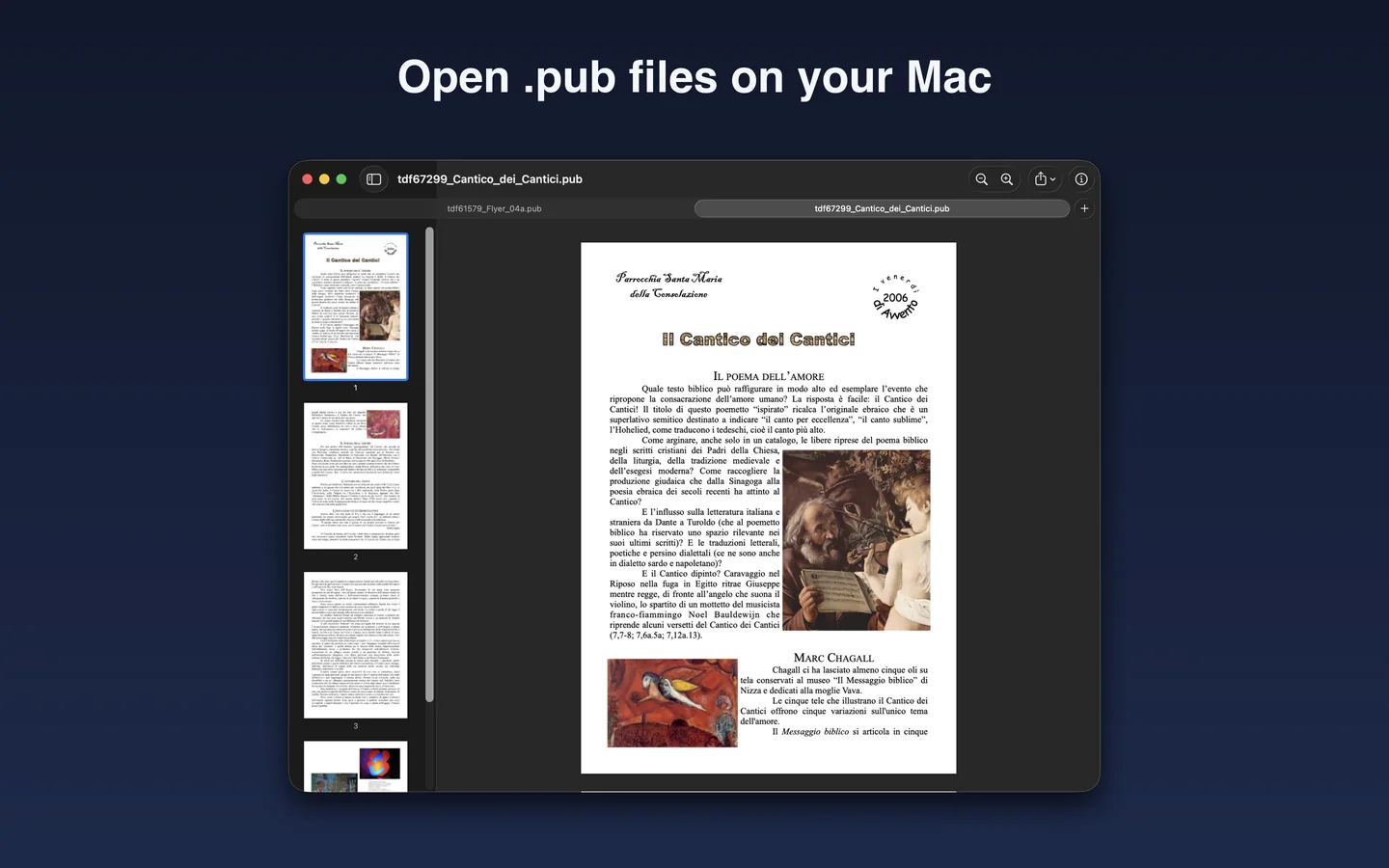
PubFile window with a four-page parish newsletter open, page thumbnails in a sidebar
Thumbnails on the left, the page on the right, one tab per file.
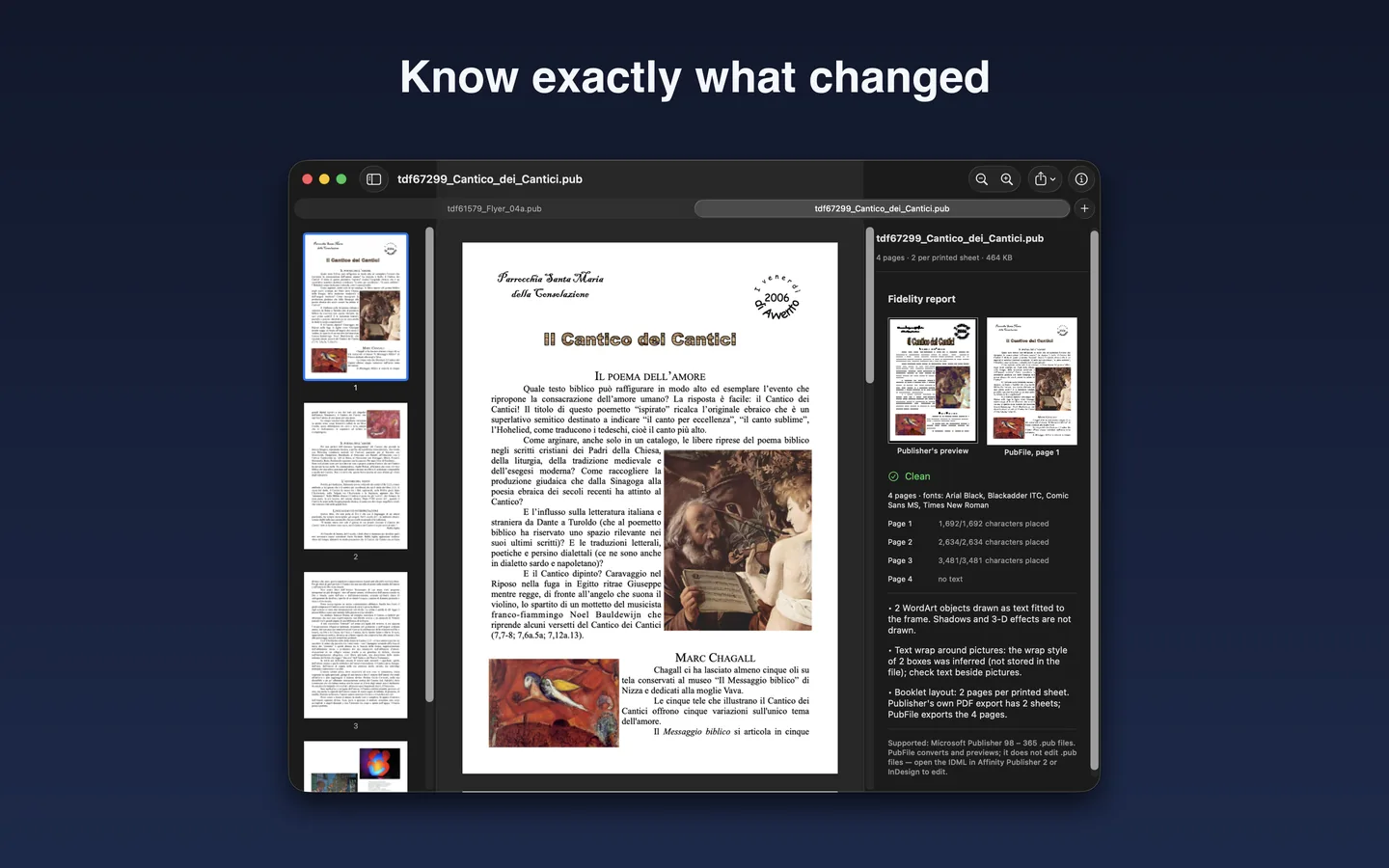
Inspector showing the fidelity report: Publisher's own preview beside PubFile's page, fonts, characters placed per page, verdict Clean
The report sits beside the page: Publisher's own preview, fonts, text placed per page.
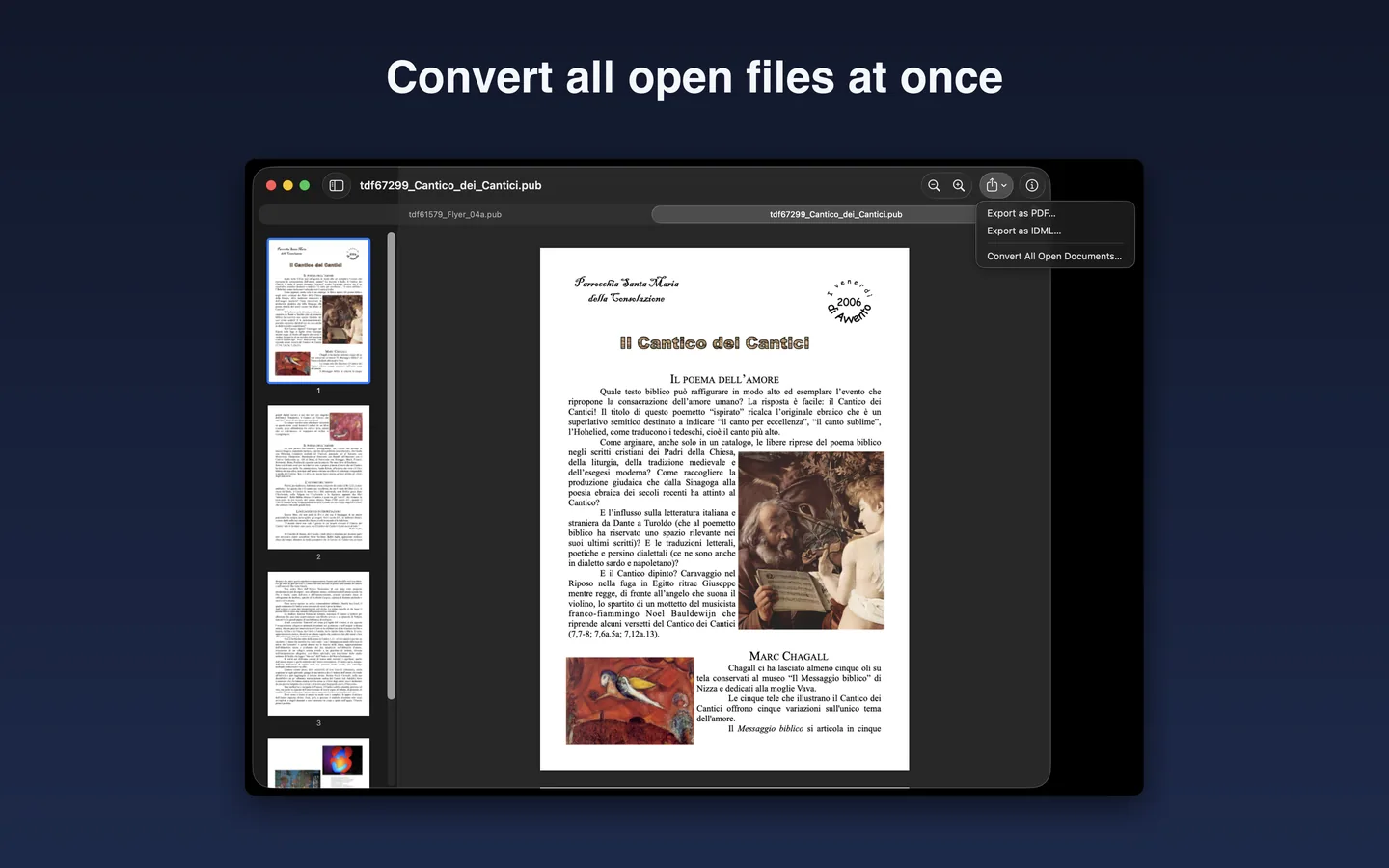
Share menu with Export as PDF, Export as IDML and Convert All Open Documents
Pro converts every open file in one go.
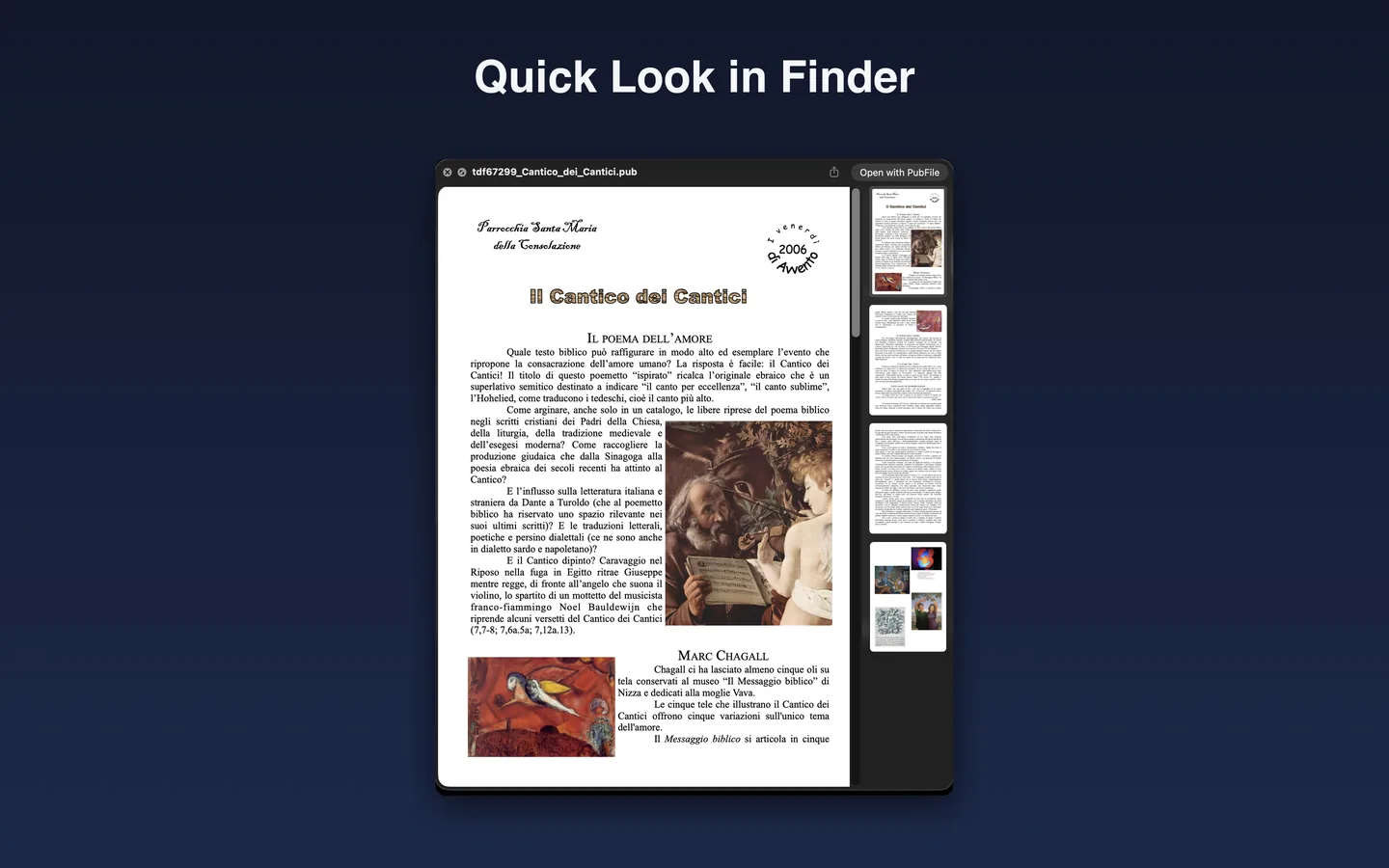
Finder Quick Look preview of a .pub file with an Open with PubFile button
Press Space in Finder to peek without opening the app.
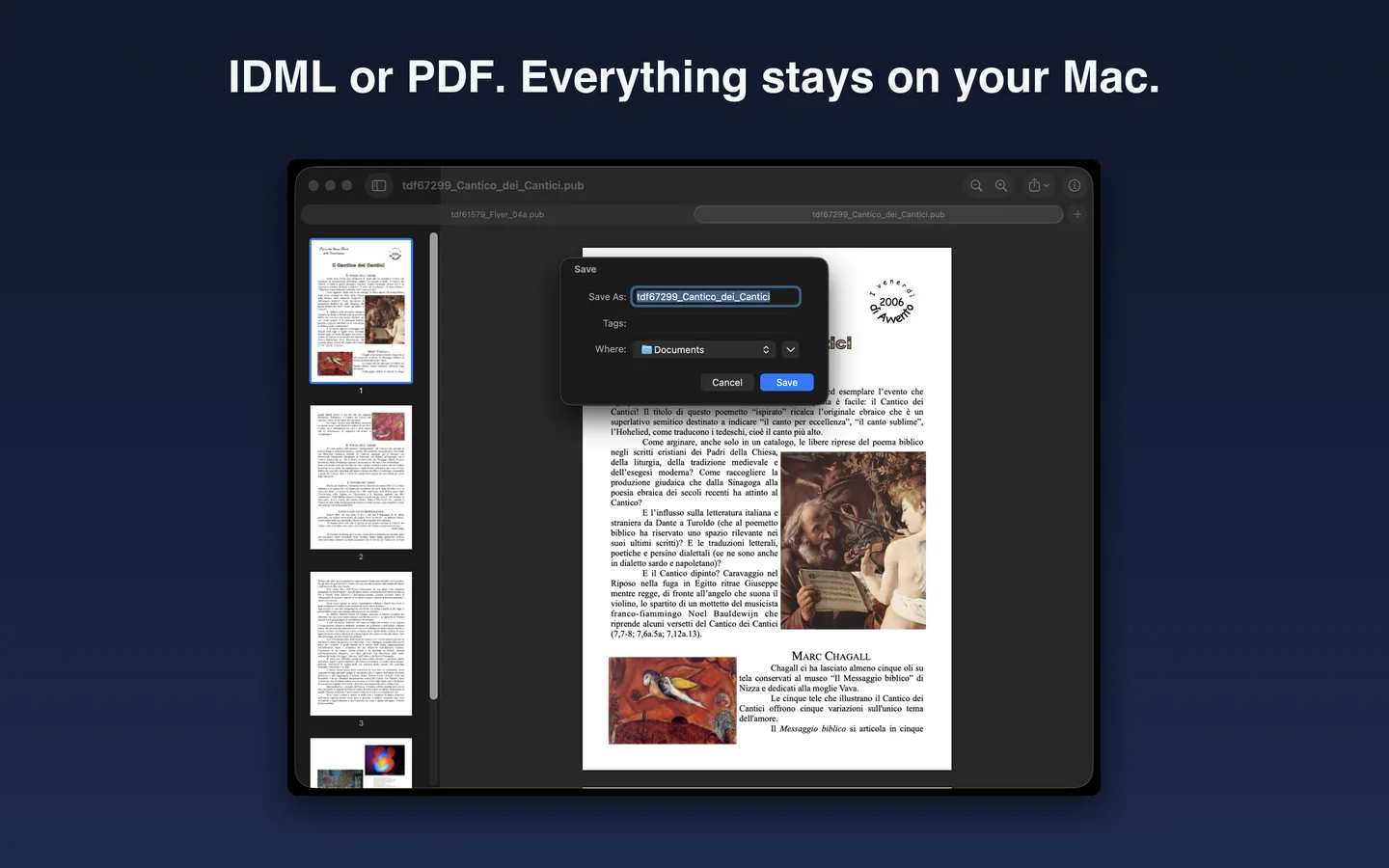
macOS Save sheet exporting the newsletter
A normal Save sheet. New files are written; the .pub is untouched.
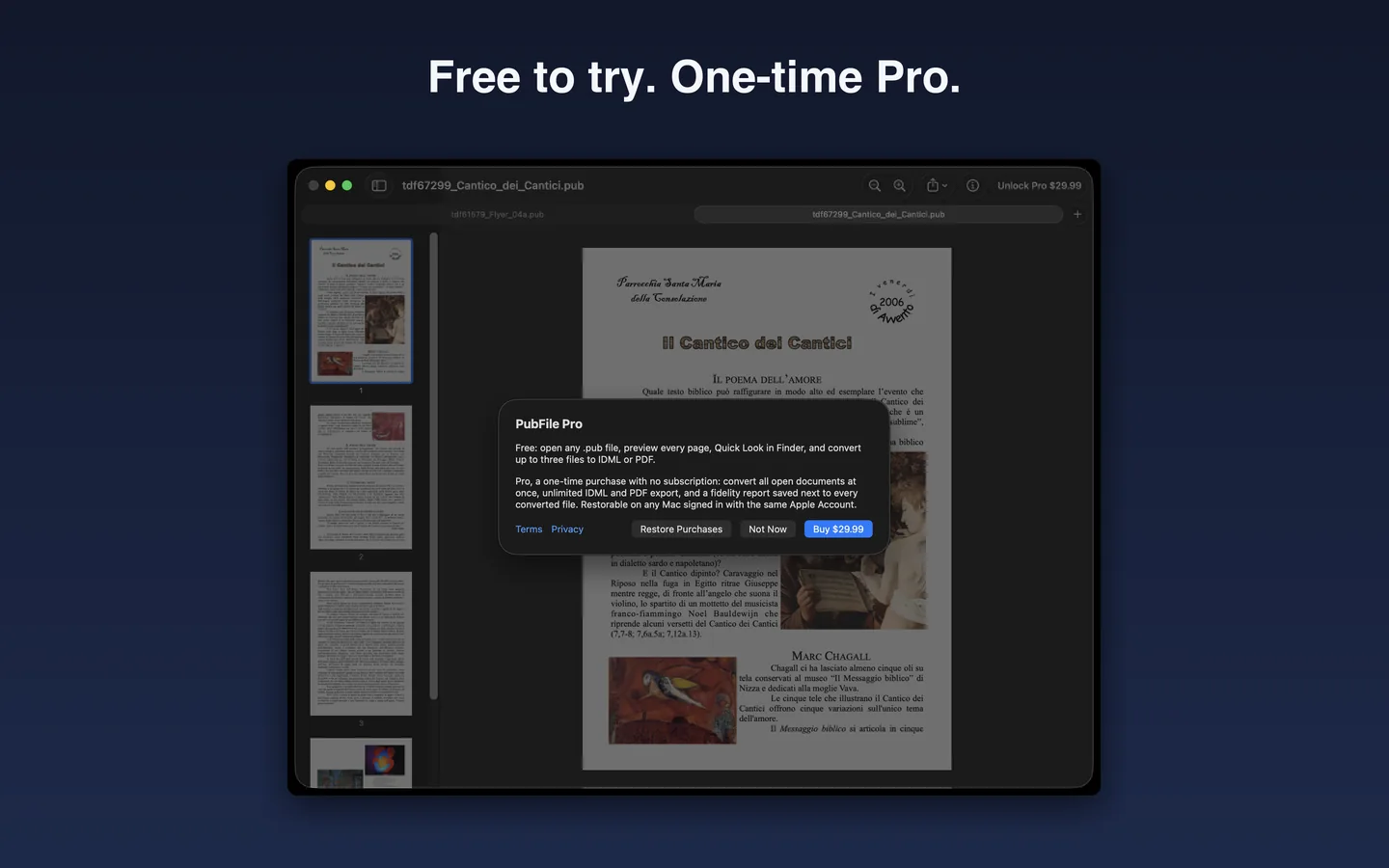
PubFile Pro sheet listing free and Pro features with a Buy $29.99 button and Restore Purchases
The Pro sheet appears at the fourth export.

1 of 6

Try it on your own files first.

The free version converts three files at full quality, no watermark. Start with the longest newsletter you have. Buy only if the result is worth it.

Free

$0

Viewer, Quick Look and report, always free.

  • Open and preview any .pub file, every page
  • Quick Look in Finder
  • Report for every file you open
  • Convert three files to IDML or PDF, full quality

For comparison: PUB Reader is $29.99 with no free conversion; Markzware charges $39 per file. Every option compared.

Get one email when it is approved.

1.0 is with App Review. Leave an address and we will send the App Store link, once. Nothing else.

Tell us more (optional, 20 seconds)
Roughly how many .pub files?
What do you need most?

Opens your mail app with a message to mrr.rajat.contact@gmail.com; press Send there. No mail app? Just email that address. To stop, reply "unsubscribe".

Who makes this. PubFile is built by Rajat, an independent developer. There is no company and no investor; the parser work is tested against a corpus of 541 real .pub files collected from public bug trackers and archives. Questions go to mrr.rajat.contact@gmail.com and get a human answer.

Read more